Client
Personal Project
Year
2024
Duration
4 Months
Platform
Mobile App
Tools
Figma
Goal:
Solution:


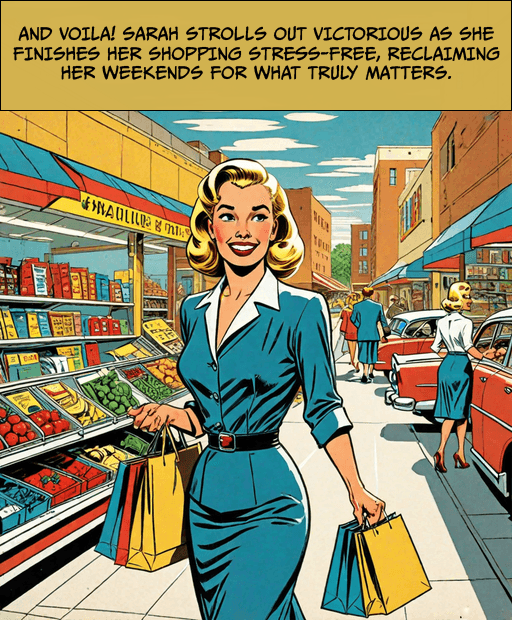
What am I trying to solve?
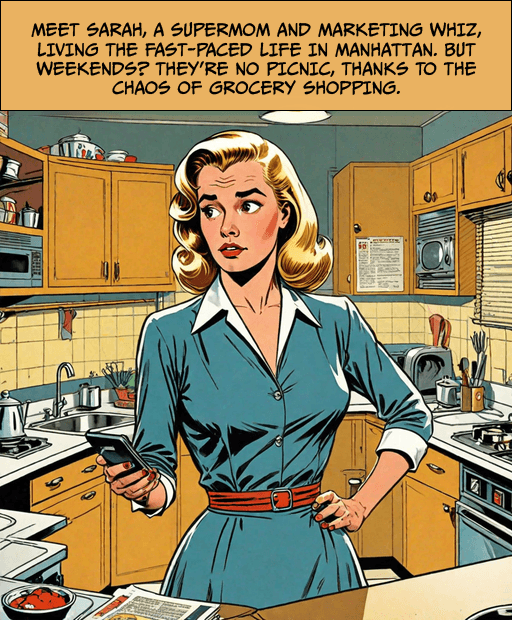
Every grocery trip felt like chaos. People were overwhelmed by backtracking, unclear layouts, checkout delays, and pricing confusion. Even after using store apps or list managers, shoppers found themselves lost in aisles, unsure of what to grab next or whether a cheaper alternative existed.
User Pain Points:
List creation and sharing issue.
Inefficient store navigation.
Lack of real-time product info.
Long checkout queues.
What is the solution?
Cart-o-Graph isn't just another app. It's a companion that understands the chaos of grocery shopping.
Key Solution Points:
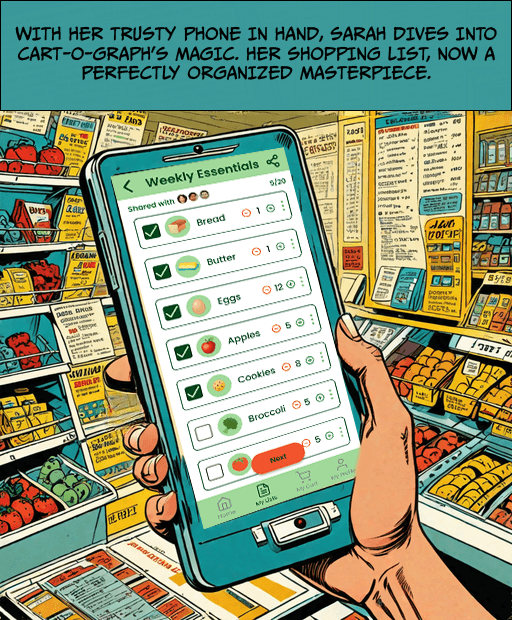
Support shared lists and personalized preferences
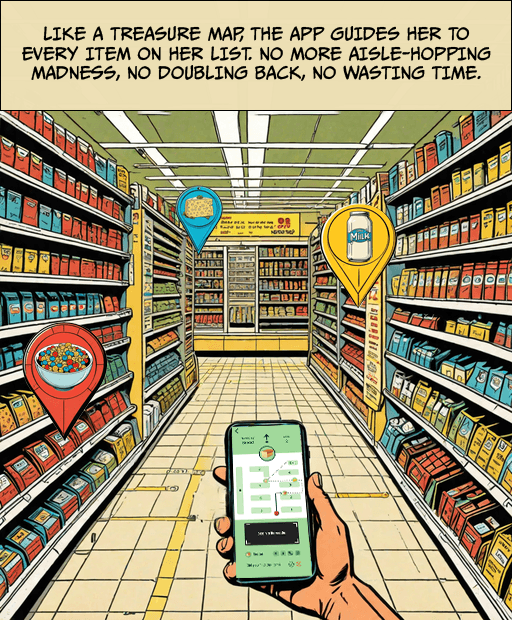
Minimize backtracking with store-specific maps
Provide real time product alternatives
Simplify checkout via self-scan & payment
Why does this matter?
Initially, I assumed shoppers wanted speed. But through interviews and shadowing trips, a deeper insight surfaced:
People didn’t just want speed. They wanted to feel organized, confident, and in sync with the store…not stressed.
Research Conducted:
User interviews with parents, students and professionals
In-store observations
Key Insights:
No shared list feature for roommates. families or partners
Backtracking is common due to unclear layouts
Price/stock surprises create frustration
Checkout lines lead to cart abandonment


Market Research: (Source: Drive Research and USDA)

Most trips take under
44 minutes but feel longer.

Busiest hours:
Sat 10 AM–2 PM.

Shoppers visit
~2 stores/week for deals.
Only 19.3%
shop online.
Competitive Analysis:
Initially, I reviewed Stop & Shop, 24-Seven, Pricer, and Listonic. But they lacked contextual fit.
Refocused on:
Wegmans, Kroger, Aldi, and Stop & Shop in NYC.
The SWOT Analysis Summary:
How did I solve it?
Design Process:
Sketched flows & paper wireframes
Low-fidelity to high-fidelity Figma prototypes
Unique Value Proposition:

Create, edit and share smart shopping lists

Live route mapping
through the store
Personalised offer
recommendations
Real-time missing
product alternatives
Seamless
self-checkout
Major Challenges & Fixes:
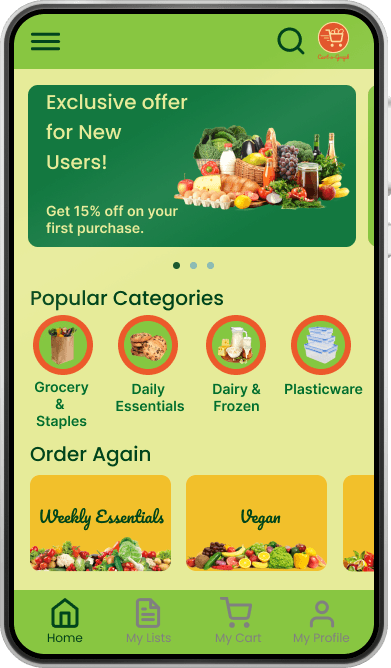
Multiple vivid contrast colours and a small screen size created cognitive overload.
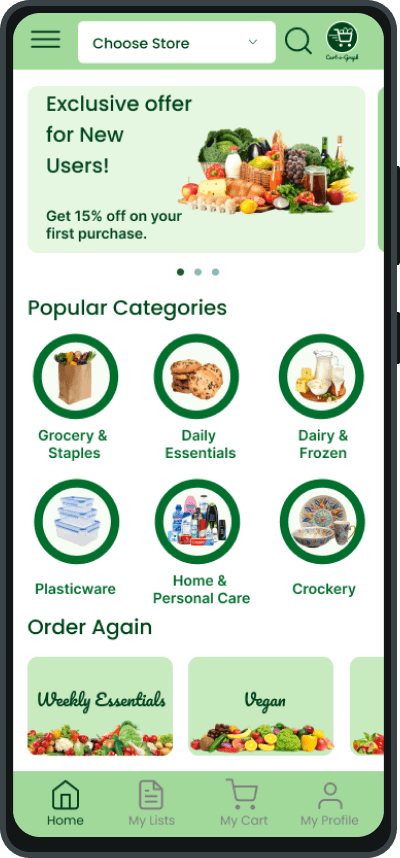
Users struggled switching between stores.
Challenge:
Increased screen size
Simplified visual hierarchy
Added high contrast colours
Added a “Choose Store” button
Fix:
Reduced cognitive overload
Seamless multi-location use
Result:
Before:
After:
When did it work?
Conducted usability tests with diverse user profiles.

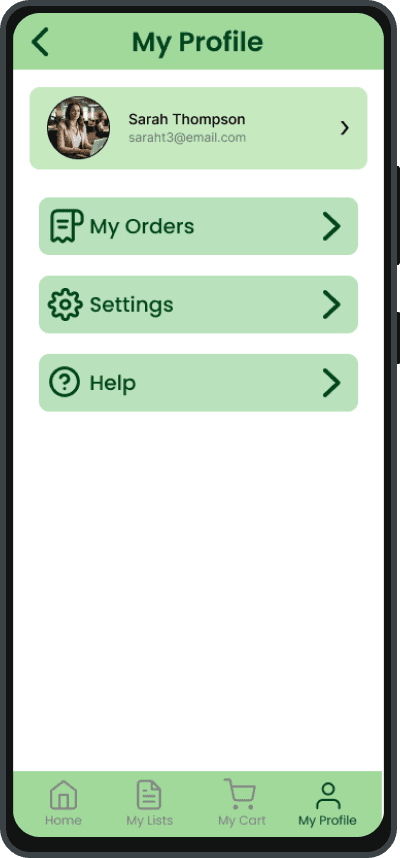

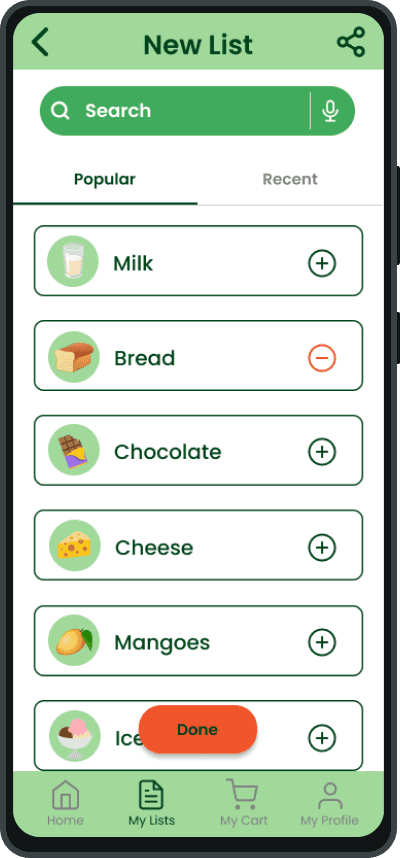
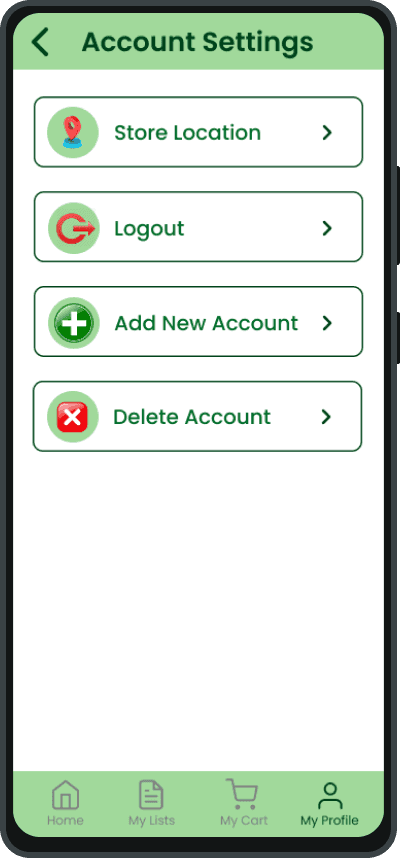
The Prototype:
What impact did it have?
Cart-o-Graph impacts both users and grocery brands at key moments during the shopping experience, transforming the mundane act of grocery shopping into a streamlined, intelligent journey.
For Businesses:
Dramatically reduce abandoned purchases.
Elevate in-store shopping efficiency.
Reducing congestion in aisles and checkout areas.
Personalized deals transform occasional shoppers into loyal customers.
Minimize labour costs.
Impact that Speaks Volumes:
Less time spent
wandering store aisles
/ 10
Shoppers prefer self-checkout over
cashier lines
Boost in shopper
engagement levels
1 in 5
Shoppers make spontaneous purchases more often
Source: Renascence and Capital One Shopping
Where did this lead me?
What I learned:
Learned to simplify, personalize, and iterate with empathy.
Less is more: users wanted fewer clicks, not more features
Standard layouts? Not really, each store varies
Great UX is orchestration: not just interface, but experience
Next Steps:
Voice-assisted indoor navigation
Fingerprint-based checkouts
Smart product expiry notifications
AR-powered store navigation